
What Are the 4 Stages of eLearning? A Practical Guide
Discover the 4 essential stages of eLearning development: Analysis, Design, Development, and Implementation. Learn how to structure effective online courses.
Looking for a place to host your online classes? You’re not alone. Teachers, trainers, and even small businesses are trying to pick the right e‑learning platform that fits their needs and budget. In this guide we’ll break down the most popular tools, show you how to set up a digital classroom, and share practical tips that save you time.
If cost is a concern, start with the free options that still offer solid features. Google Classroom is still around and works well for simple assignments, grading, and announcements. For live sessions, Zoom’s free tier lets you host 40‑minute classes, while Microsoft Teams gives you chat, file storage, and basic video calls. Both integrate with Google Drive or OneDrive so students can access resources easily.
Another contender is Moodle Cloud, a stripped‑down version of the open‑source Moodle LMS. It gives you course folders, quizzes, and forums without a hosting headache. While it looks a bit older, the core tools are reliable and you can upgrade later if you need more power.
Step one is choosing a platform that matches your teaching style. If you need live video, pick Zoom or Teams. If you prefer a structured course with modules, go with Moodle or Google Classroom. Once you’ve decided, create an account and set up a new class or course space.
Next, organize your content. Break lessons into bite‑size videos or PDFs, add a short quiz after each module, and use discussion boards for Q&A. Keep navigation simple – students should find the next lesson with one click. Upload a welcome video that explains how the platform works; this reduces confusion later.
Finally, test everything before you go live. Invite a colleague or a few students to join a mock class, check audio, video, and file sharing. Fix any broken links, and make sure grading settings are correct. A quick trial run saves you from surprises during real sessions.
Beyond the basics, think about engagement. Use polls, breakout rooms, or gamified quizzes to keep learners active. Most free apps have built‑in poll features, and tools like Kahoot! can be added without cost. Short, interactive activities keep attention higher than a long lecture.
Remember that the best platform is the one you feel comfortable using. Spend a little time exploring the dashboard, watching tutorial videos, and reading the help center. When you know where everything lives, you’ll spend less time troubleshooting and more time teaching.
Ready to pick a platform? Start with a free version, run a test class, and see how your students respond. If you outgrow the tool, most platforms let you upgrade without losing data. Happy teaching!
Discover the 4 essential stages of eLearning development: Analysis, Design, Development, and Implementation. Learn how to structure effective online courses.

Discover what truly makes a digital platform effective for e-learning. We break down key factors like user experience, accessibility, and scalability to help you choose or build the right solution.

Learn how to transform static lessons into engaging interactive eLearning experiences. Discover key design pillars, compare top authoring tools, and avoid common pitfalls.

Discover the easiest online courses leading to high salaries in 2026. Explore low-barrier paths in digital marketing, data analytics, and project management.

Explore whether Google qualifies as a digital platform in e-learning. We break down its infrastructure, tools like Classroom and Workspace, and compare it to traditional LMS providers.

Explore whether Google Certificates lead to jobs in 2026. Learn how these credentials impact hiring, what employers value, and strategies to maximize your chances of getting hired.

Confused about which online learning platform to choose? We compare Coursera, Udemy, edX, and more to help you pick the best one based on your career goals.

Confused about where to learn new skills? We compare Coursera, Udemy, LinkedIn Learning, and more to help you pick the best e-learning platform for your goals.

Confused about which learning app is best? We compare top e-learning platforms like Coursera, Udemy, and Duolingo to help you choose based on your goals.

There are over 1,200 active e-learning platforms in 2026, from global giants like Coursera and Duolingo to niche tools for coding, languages, and corporate training. Learn how they differ and how to pick the right one for you.
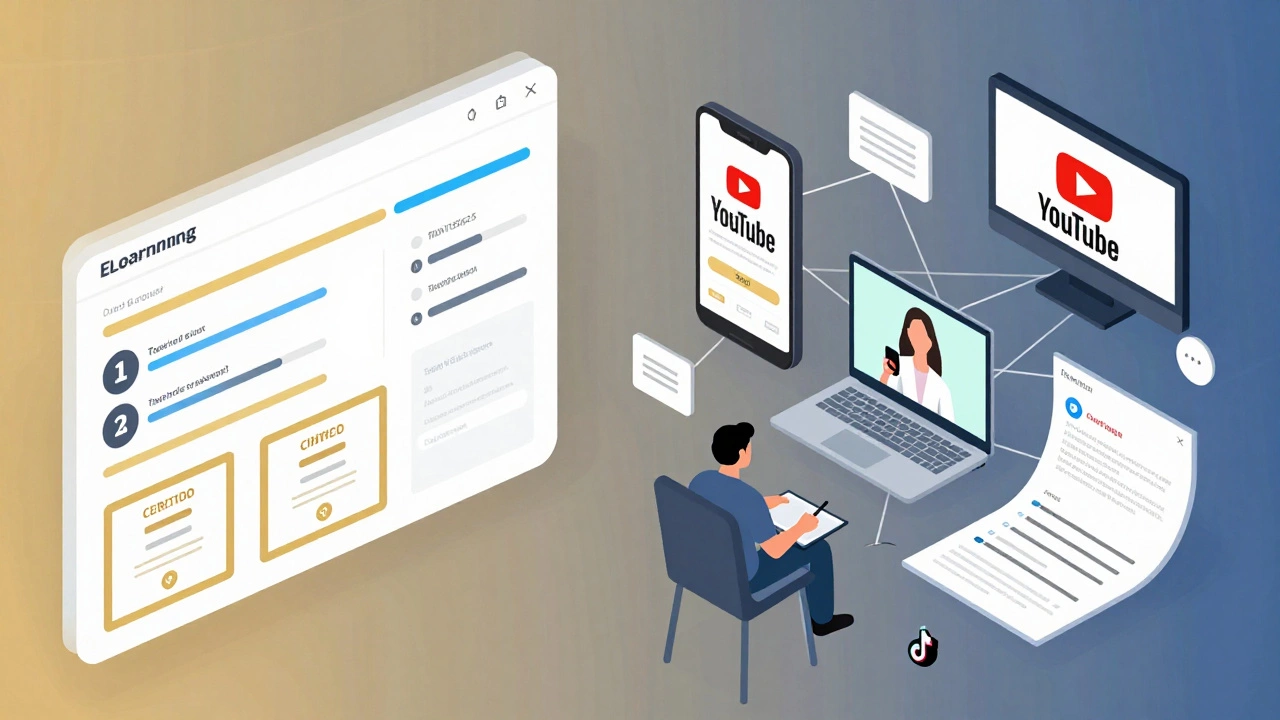
Online learning and eLearning are often used interchangeably, but they're not the same. eLearning is structured, assessed, and certificate-based. Online learning is any education delivered over the internet - even a single YouTube video. Know the difference to choose the right learning path.

Some learning platforms don't just teach you - they pay you. Outlier.org is the only one that gives direct cash rewards for completing courses. Others help you land higher-paying jobs through employer partnerships and certifications.